Templates, fonts and colours
Everything that changes how your whole site looks — rather than what it says — lives in the Style tab at the bottom of the editor.

Three controls:
| Control | What it changes |
|---|---|
| Templates | A complete ready-made design |
| Website Font | The typeface for the whole site |
| Website Font Color | The text colour for the whole site |
Templates
Tap Templates to open the gallery. Each card is a live preview, not a picture — scroll sideways through them.
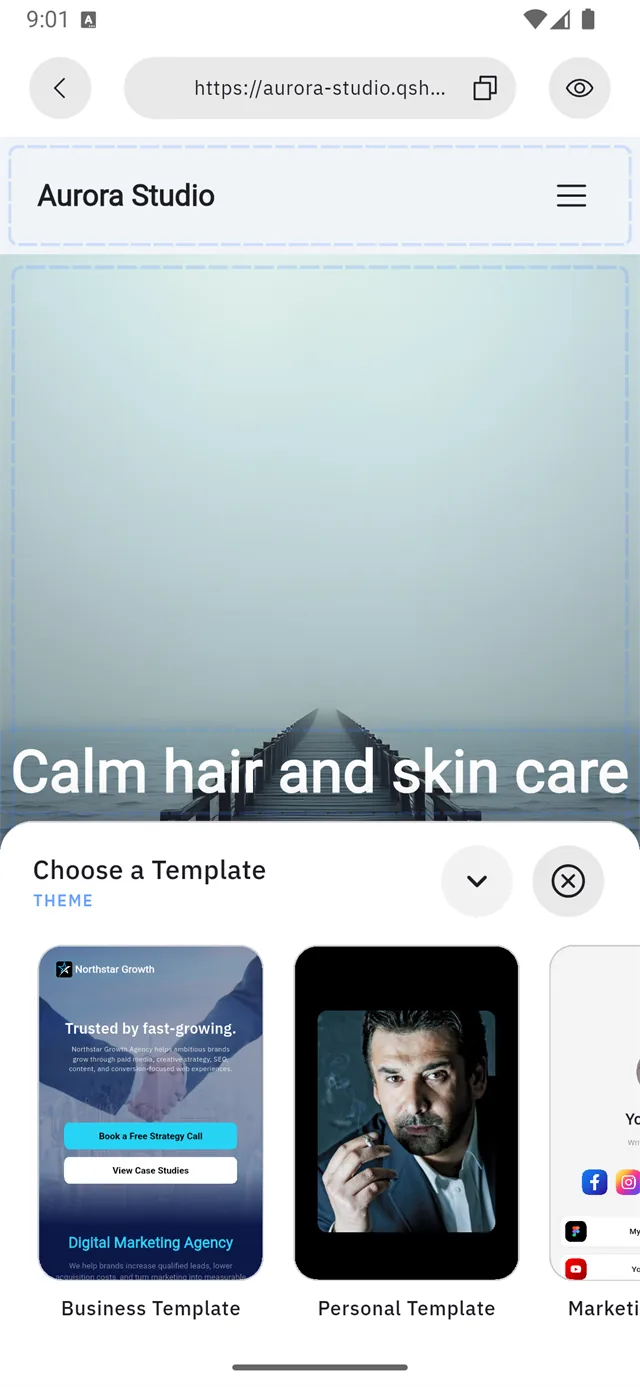
There are eight templates, plus a blank option:
| Template | Built for |
|---|---|
| Business | Companies and agencies |
| Personal | A personal profile |
| Marketing | Campaigns and lead generation |
| Icons | Icon-led link lists |
| Star | Featured / highlight layouts |
| Signature | A minimal signature card |
| Service | Service businesses |
| Menu | Menus and price lists |
| Start blank | No template — build it yourself |
Applying one — read this before you tap
Pick a template, then tap Apply. Qshot asks a question that decides whether your work survives:
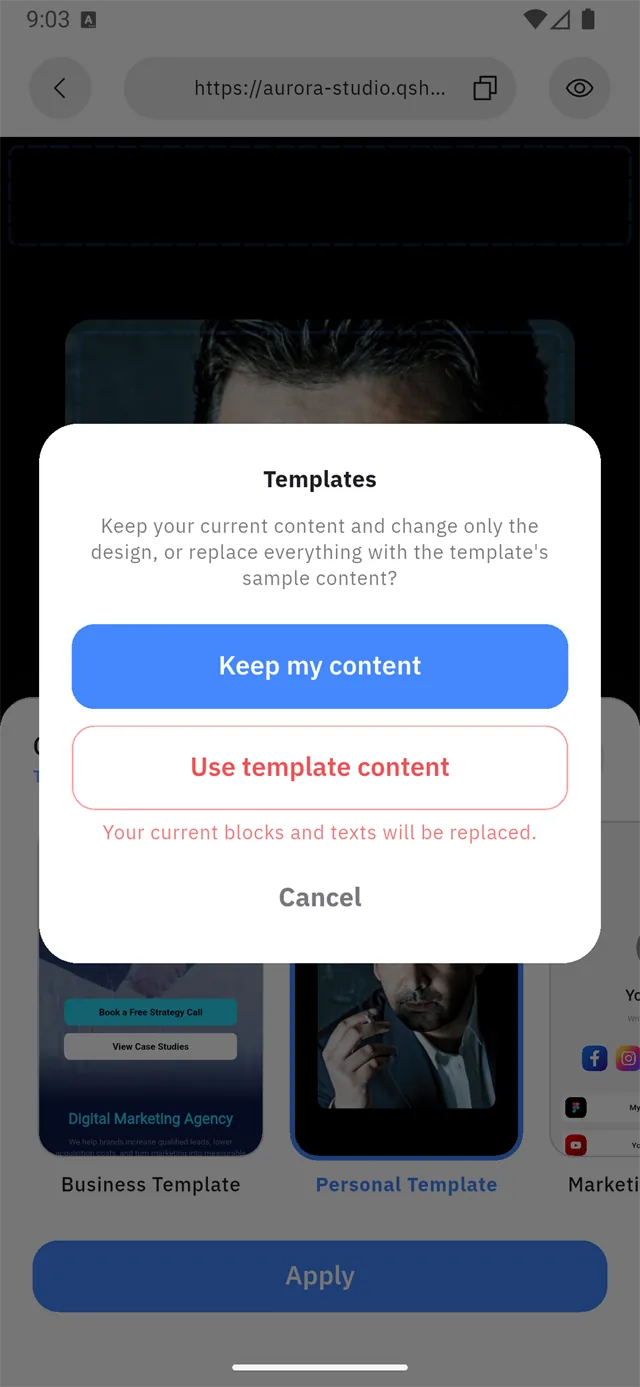
Templates Keep your current content and change only the design, or replace everything with the template's sample content? Your current blocks and texts will be replaced.
| Choice | What happens |
|---|---|
| Keep my content | Only the design changes. Your text, links and blocks stay. |
| Use template content | Everything is replaced with the template's sample content. |
| Cancel | Nothing changes. |
:::danger "Use template content" cannot be undone It replaces your blocks and your text. If you have already written anything you care about, choose Keep my content.
Use template content is for a site you have not built yet — it gives you a worked example to edit down, instead of a blank page. :::
Website font
Tap Website Font for a searchable list of Google Fonts. Every row previews the face with a sample line, so you judge it before applying.

The current font is shown under the row in the Style tab — a new site starts on Roboto.
:::tip Check your font with your own language The preview line is English. If your site is in Arabic, type a few Arabic words into the search box first — not every font on the list carries Arabic letters, and one that doesn't will silently fall back to a default face. :::
Website font colour
Sets the text colour for the whole site at once. Individual blocks can still override it from their own Theme or Change Color control.
Pages
Sites can have more than one page. The Pages tab lists them.

A new site has one page, Home. Add new page creates another — you give it a name and a URL slug, and it becomes a destination your buttons and menu can point at.
The free plan allows one page. Extra pages need Pro or Business — see Plans.