Sign in
Steps
- Open the app. The Sign in screen is the first thing you see.
- Type your address in the Email field.
- Type your password in the Password field.
- Tap Sign in.

With Google
Tap Continue with Google and pick your account. No password needed.
If you see "Account Not Activated!"
Your email has not been verified yet. See Verify your email.
Forgot your password?
Tap Reset it next to Forgot your password?.
Full steps in Reset your password.
Signing out
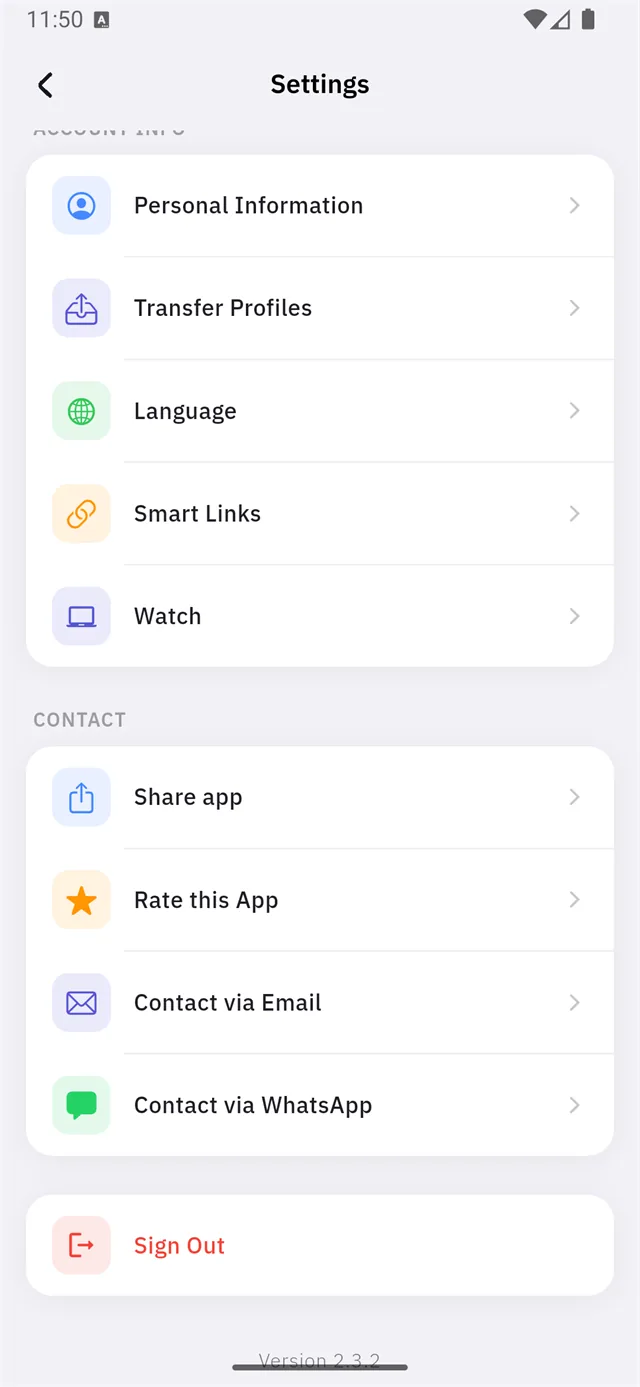
From the home screen:
- Tap your account picture at the top of the screen.
- Scroll to the bottom of the Settings page.
- Tap Sign Out (the red icon).