Reset your password
Steps
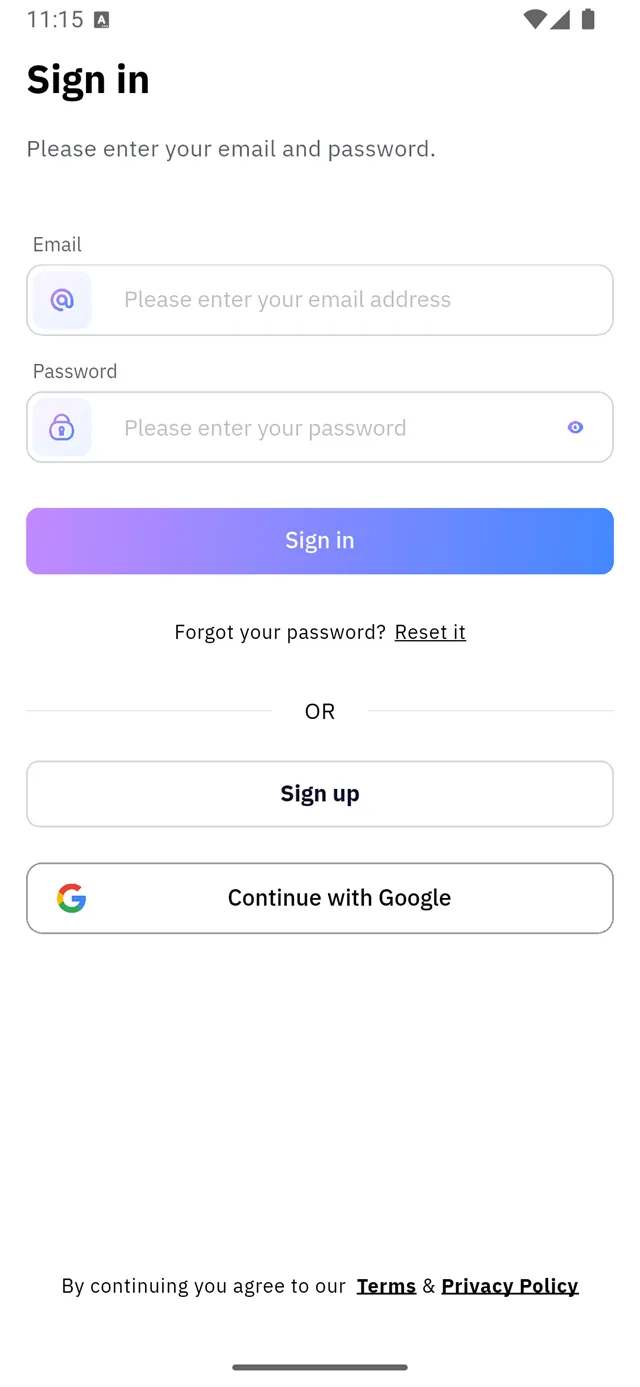
1. Open it from the sign-in screen
Tap Reset it next to Forgot your password?.
:::tip Tap the words "Reset it" Only the two words marked 1 are the link — the rest of the line is plain text and does nothing.
:::
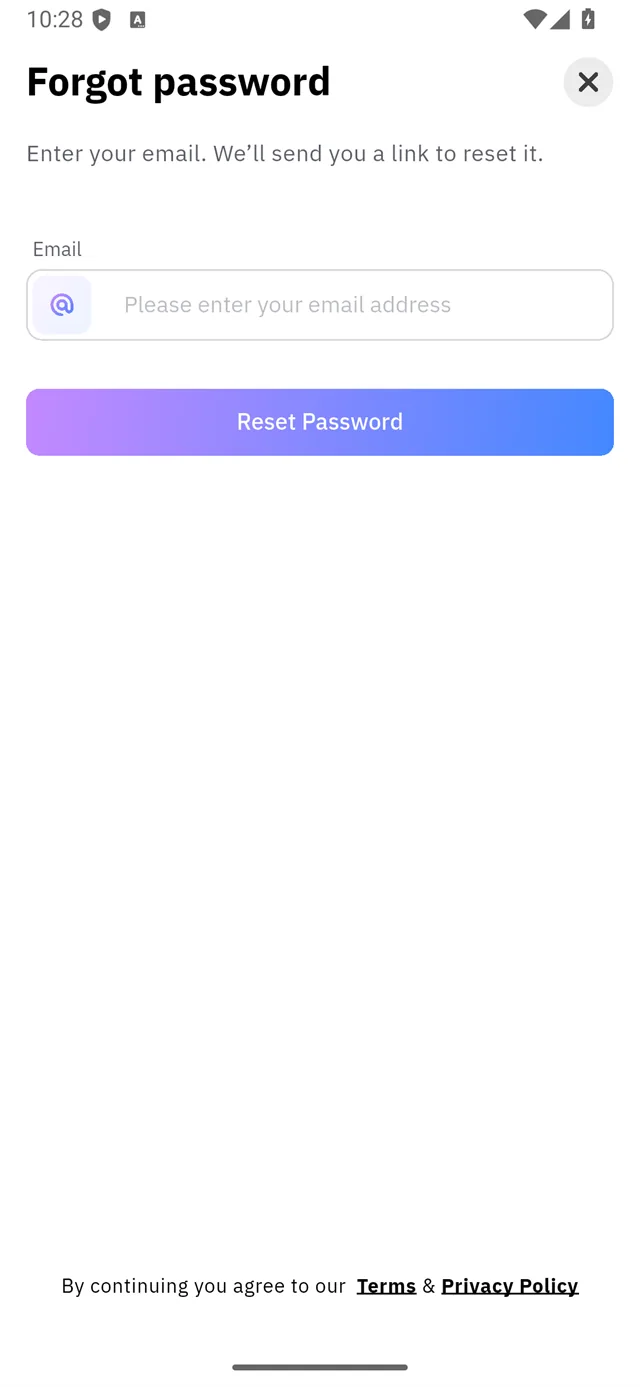
2. Enter your address
Enter your email. We'll send you a link to reset it.
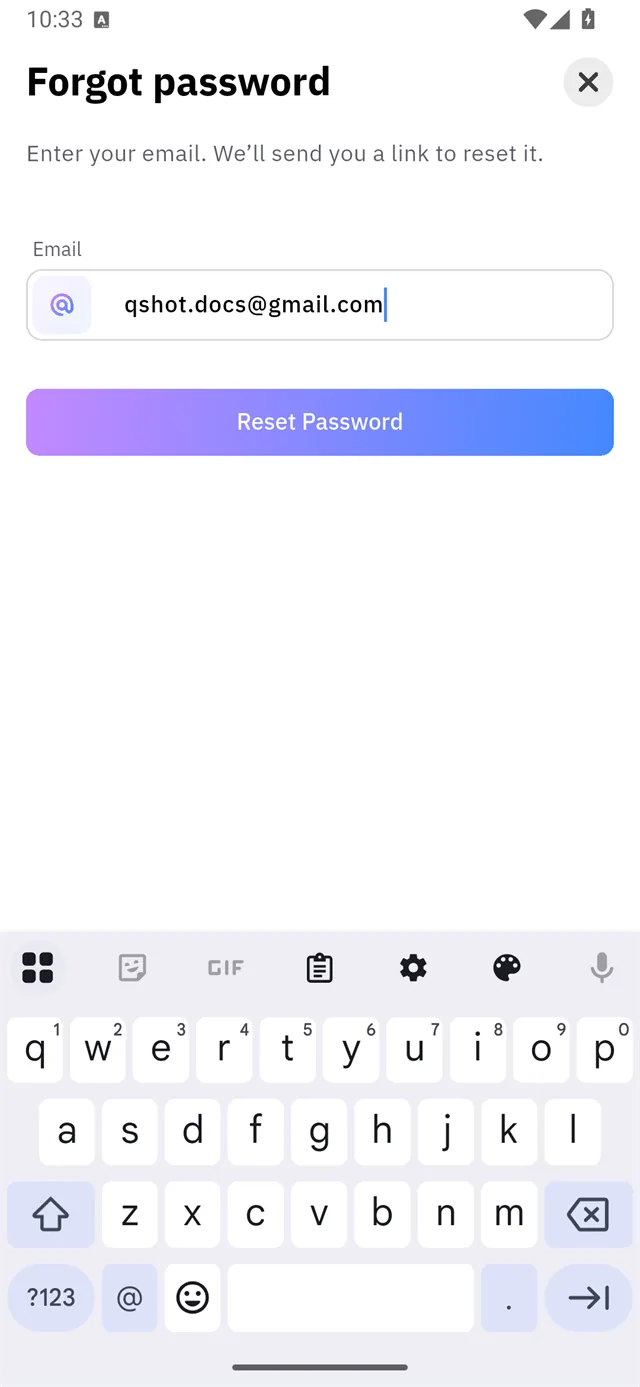
3. Tap Reset Password
Password Reset Email Sent We've sent a password reset email to
your address

4. Open the link in your inbox
The link opens the app on this screen:
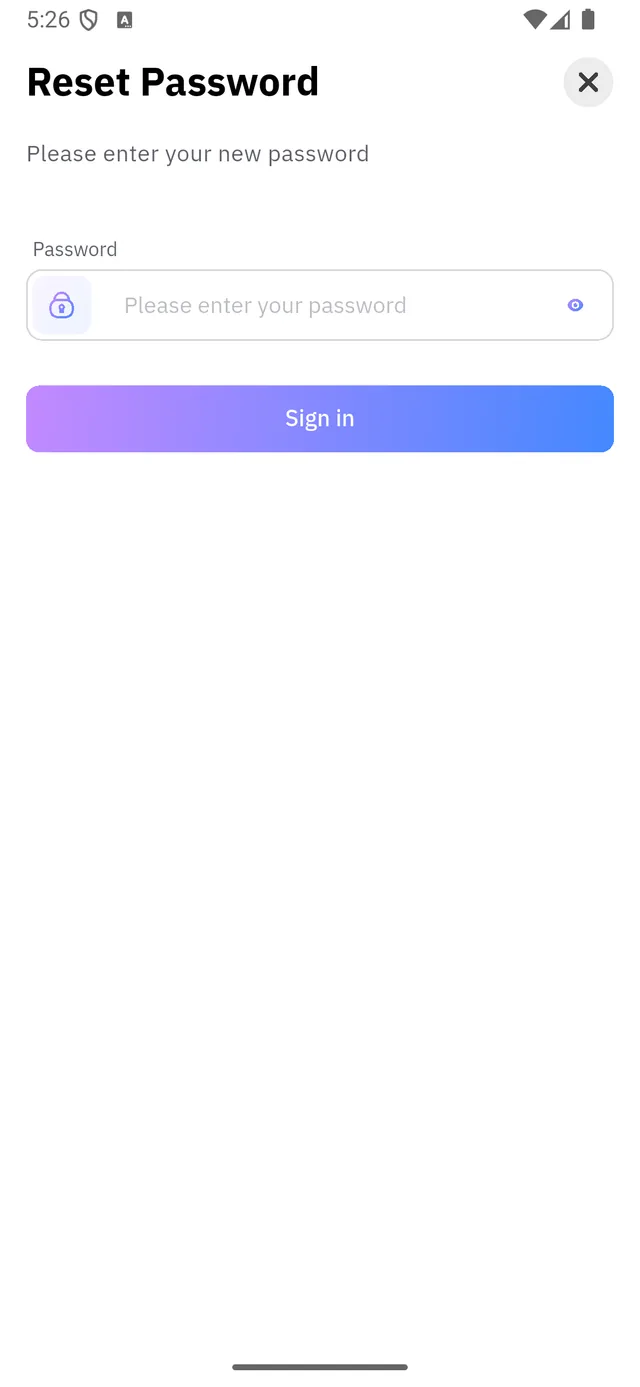
One field — the new password — then Sign in.
If the link has gone stale
Reset links stop working once a newer one exists, and eventually on their own. A dead link gets this screen instead:
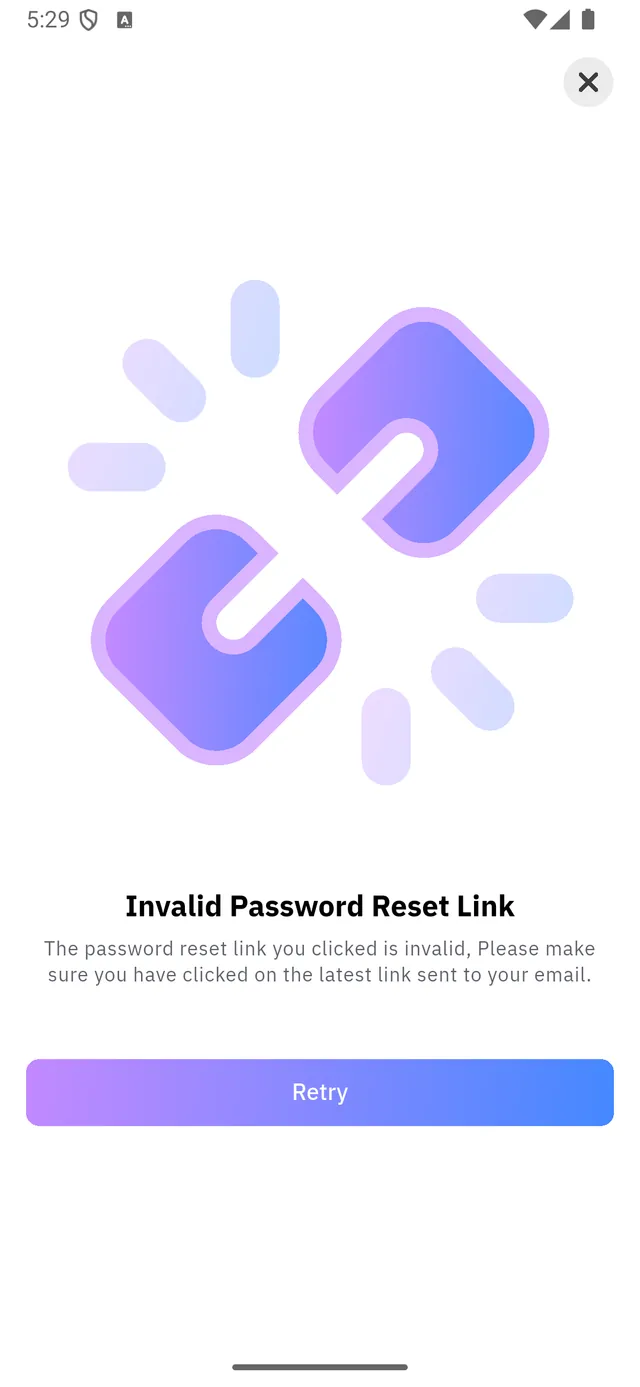
Invalid Password Reset Link — please make sure you have clicked on the latest link sent to your email.
The fix is always the same: go back to the sign-in screen and request a fresh one. Only the newest email counts.
Errors you may see
| Message | What it means |
|---|---|
Oops! Email address invalid | The address is not in a valid format |
Email is required | The field is empty |
Password must be more than N letters | The password is too short |
Signed up with Google?
There is no password to reset. Use Continue with Google on the sign-in screen.
Changed your mind?
Go back. The link that was sent stays valid for a limited time and then expires on its own.