Sharing your site
A site nobody visits is not much use. Qshot gives you four ways to hand your address to someone.
The QR code screen
Tap the QR button under your site on the home screen.
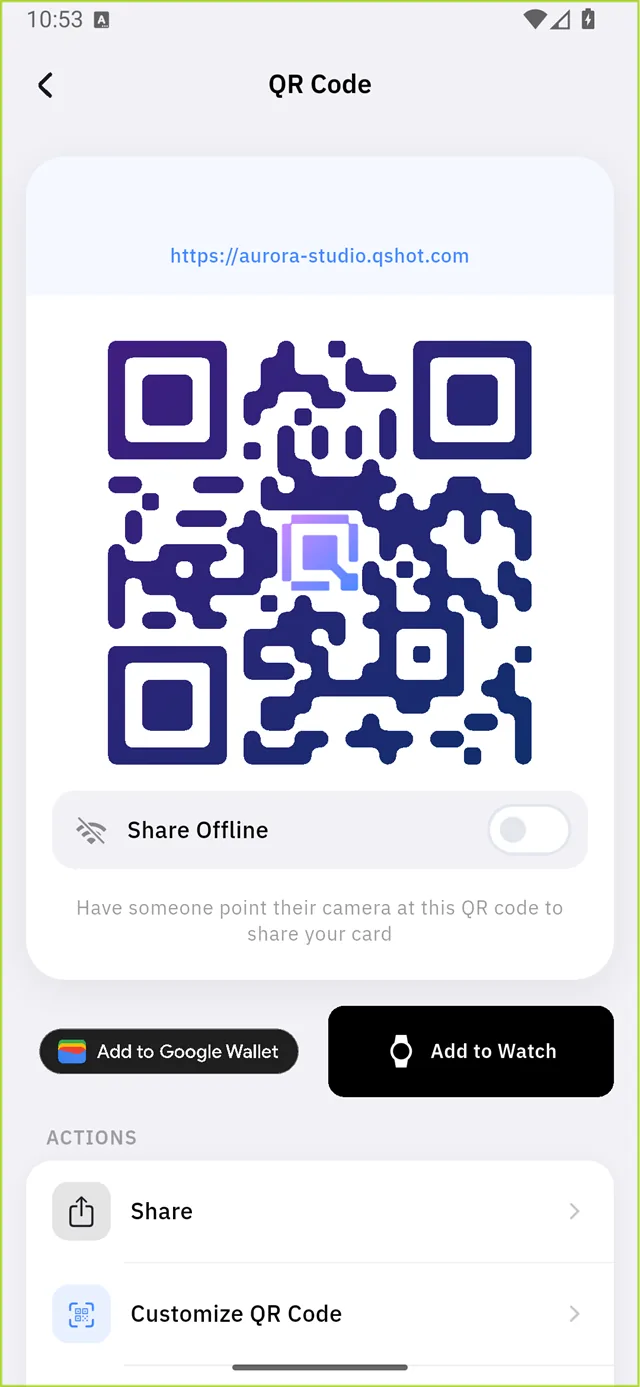
Your address sits above the code, and the Qshot mark sits in the middle of it. Point any phone camera at it and the site opens.
| Control | What it does |
|---|---|
| Share Offline | Encodes your details inside the code so it works with no internet |
| Add to Google Wallet | Saves the card to the phone's wallet |
| Add to Watch | Sends it to a paired smartwatch |
| Share | The phone's normal share sheet |
| Customize QR Code | The designer — see below |
| Copy Card Link | Copies the address to the clipboard |
:::tip What "Share Offline" actually changes Normally the QR holds a link, so the scanner needs internet to open it. Turned on, your basic details travel inside the code itself — useful at a trade stand or anywhere the signal is poor. :::
Plain link sharing
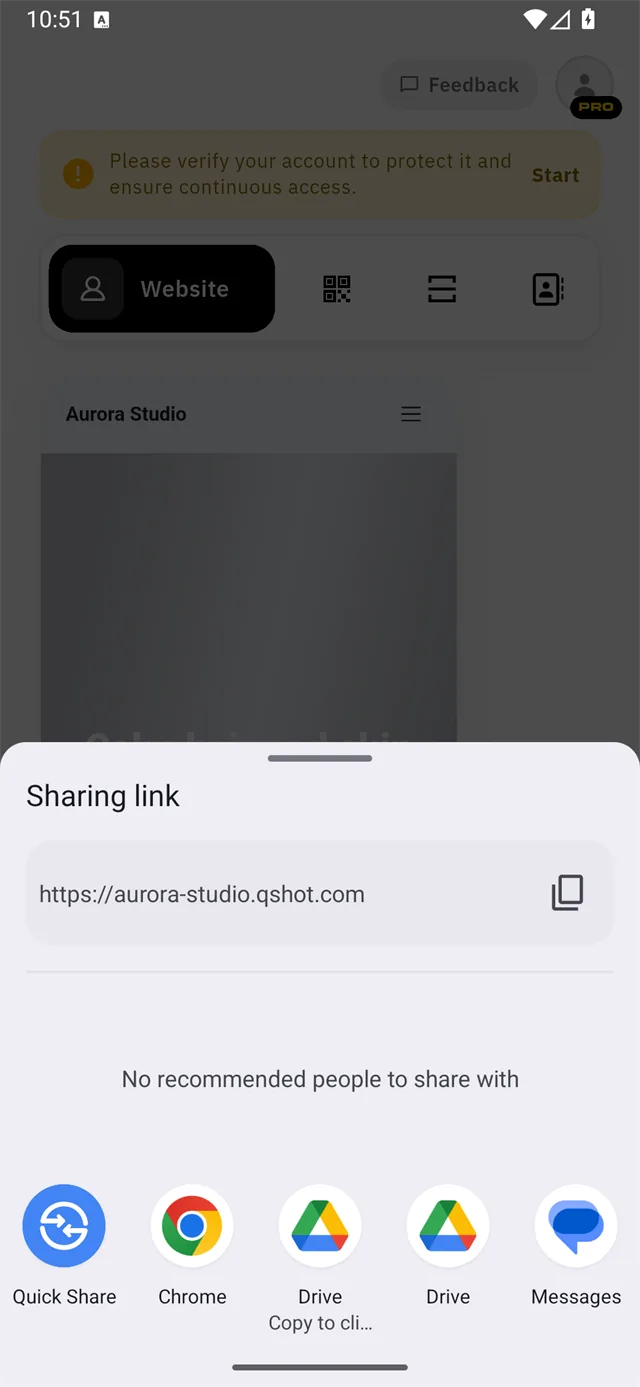
The share button hands the link to Android's share sheet — WhatsApp, Messages, Drive, or Copy link.
Designing the QR code
Customize QR Code opens a two-step flow.
Step 1 — name it and confirm the link
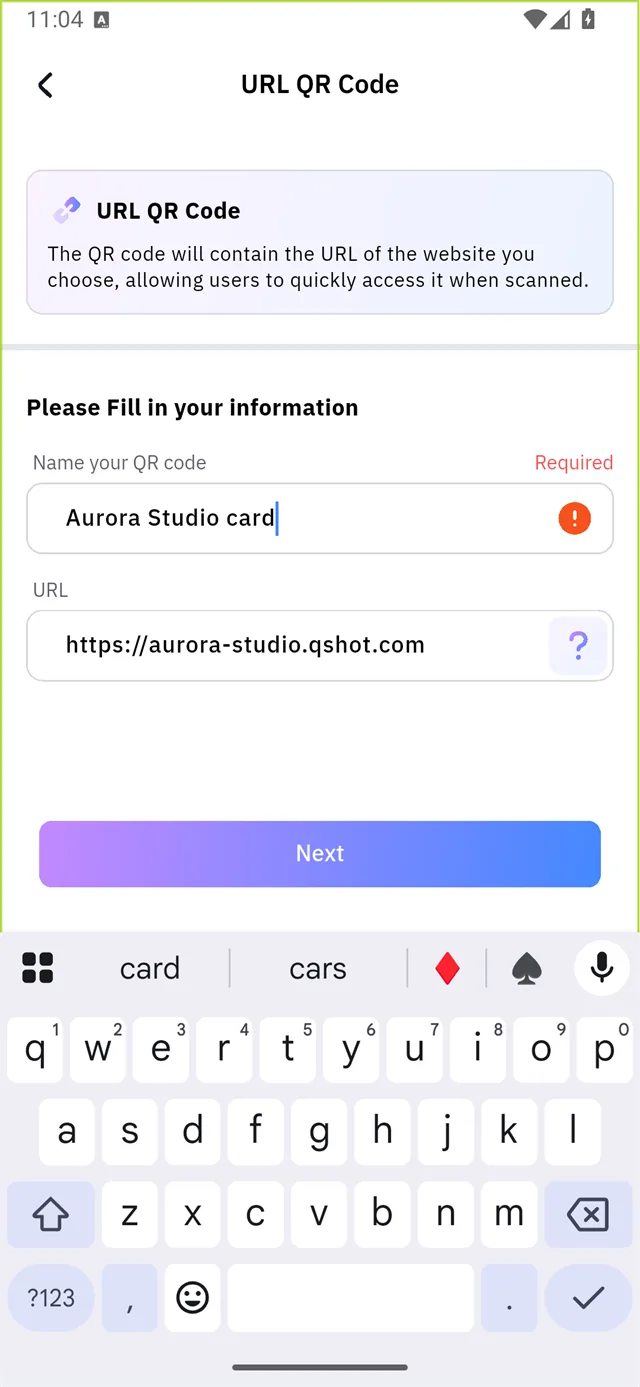
Both fields are required. The Next button does nothing while the name is empty — with no error message, which makes it look broken.
:::warning Fill in the name field If Next seems dead, the name field above the URL is empty. That is the only reason. :::
Step 2 — the designer
Five tabs across the bottom, and a live preview above them.
Presets
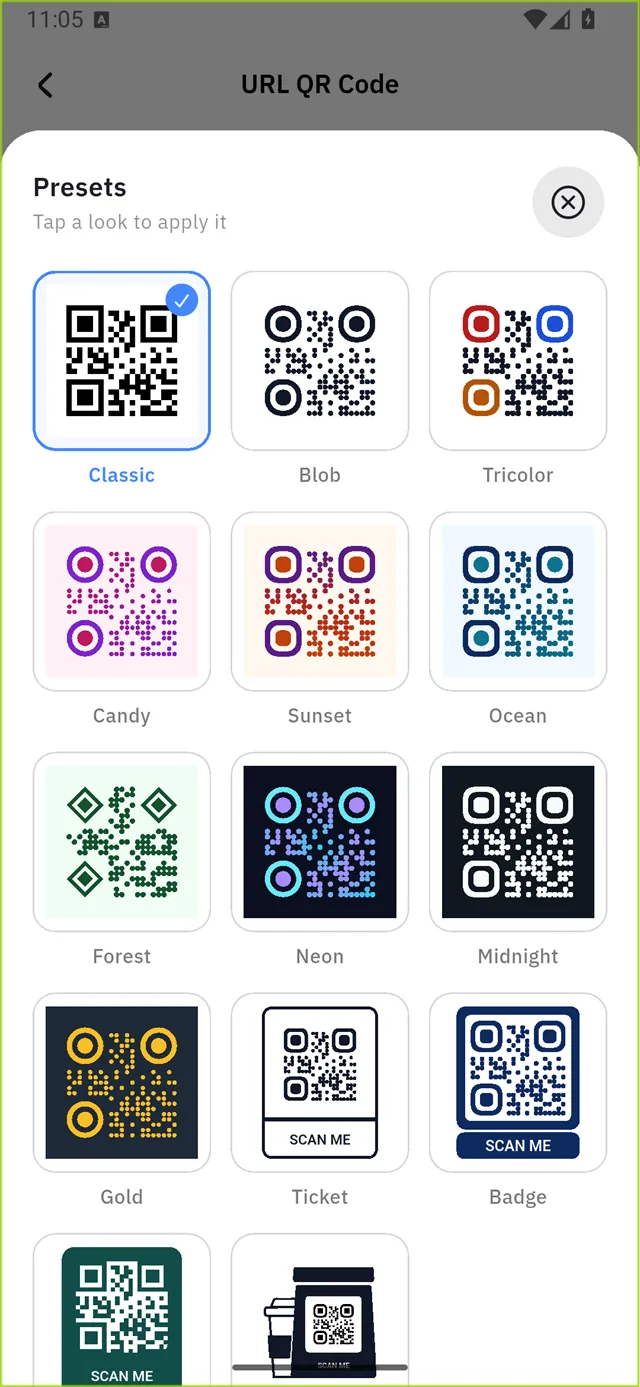
Fourteen ready-made looks — Classic, Blob, Tricolor, Candy, Sunset, Ocean, Forest, Neon, Midnight, Gold, Ticket, Badge, Label, Scanner. Tap one to apply it, then adjust from there.
Colors
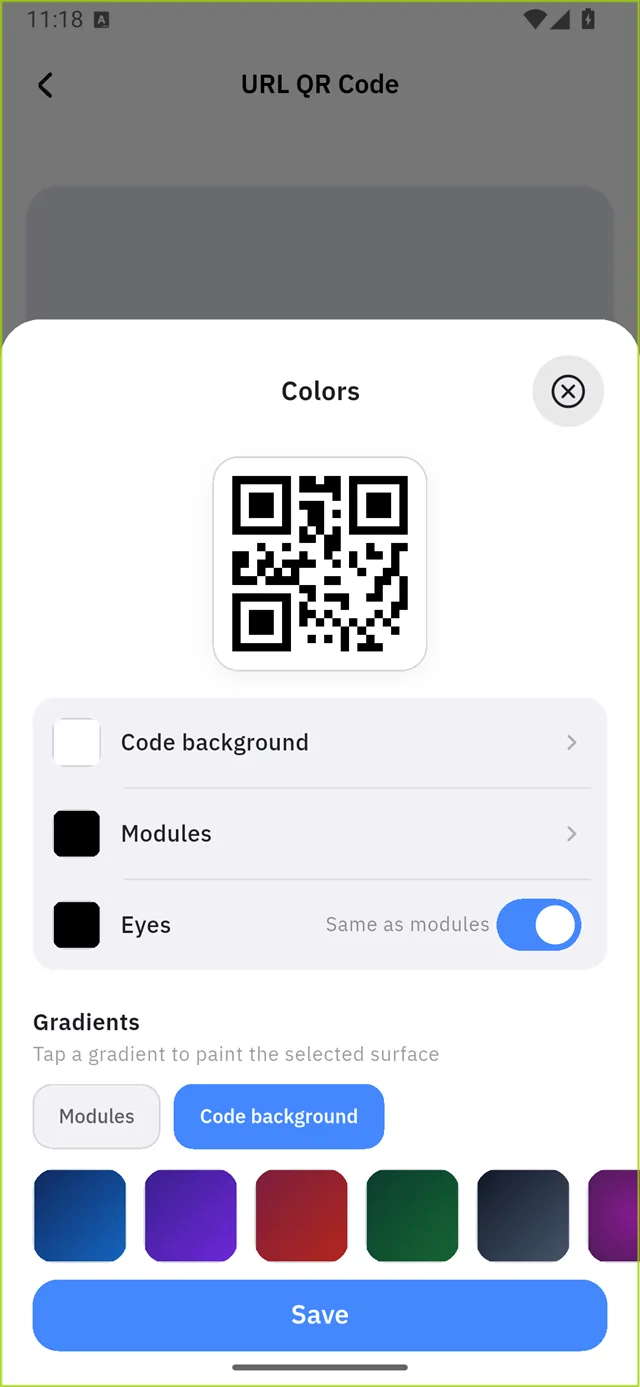
Three surfaces can be coloured separately:
| Surface | What it is |
|---|---|
| Code background | The panel behind the code |
| Modules | The dots and bars that carry the data |
| Eyes | The three corner squares — Same as modules by default |
Gradients paint whichever surface you have selected.
Frames

Borders and "SCAN ME" style labels around the code.
Shape
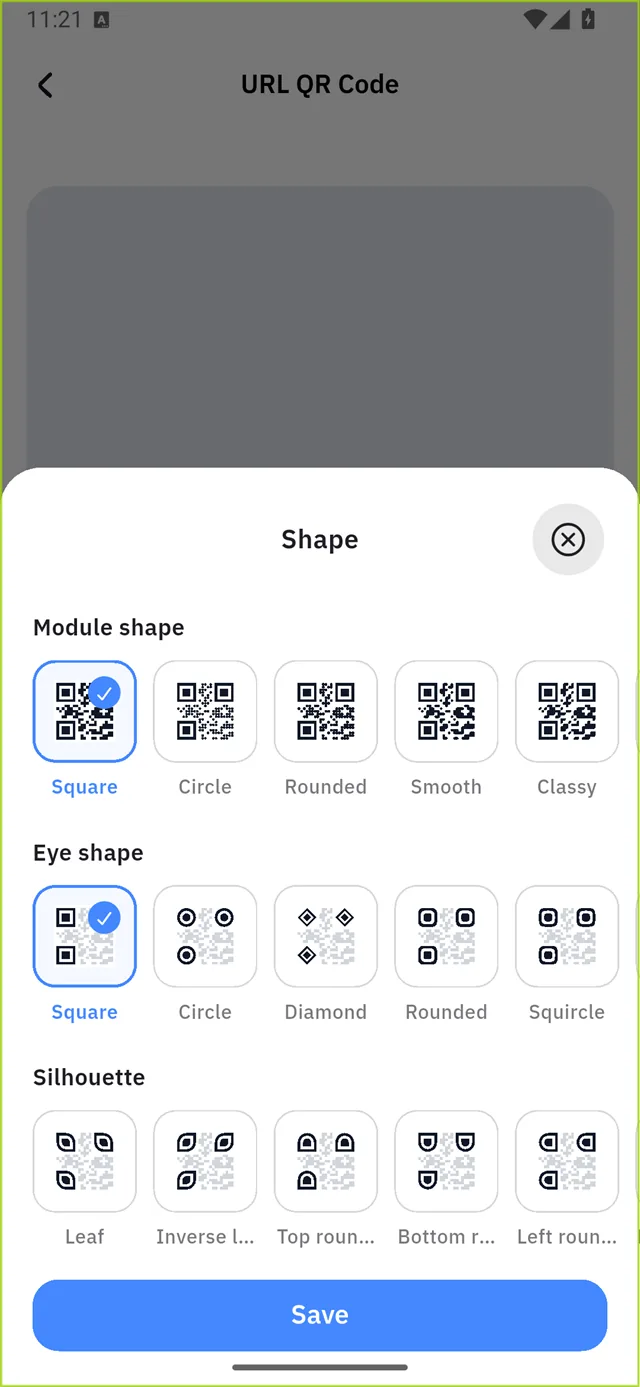
Six module shapes: Square, Circle, Rounded, Smooth, Classy, Tile.
Logo
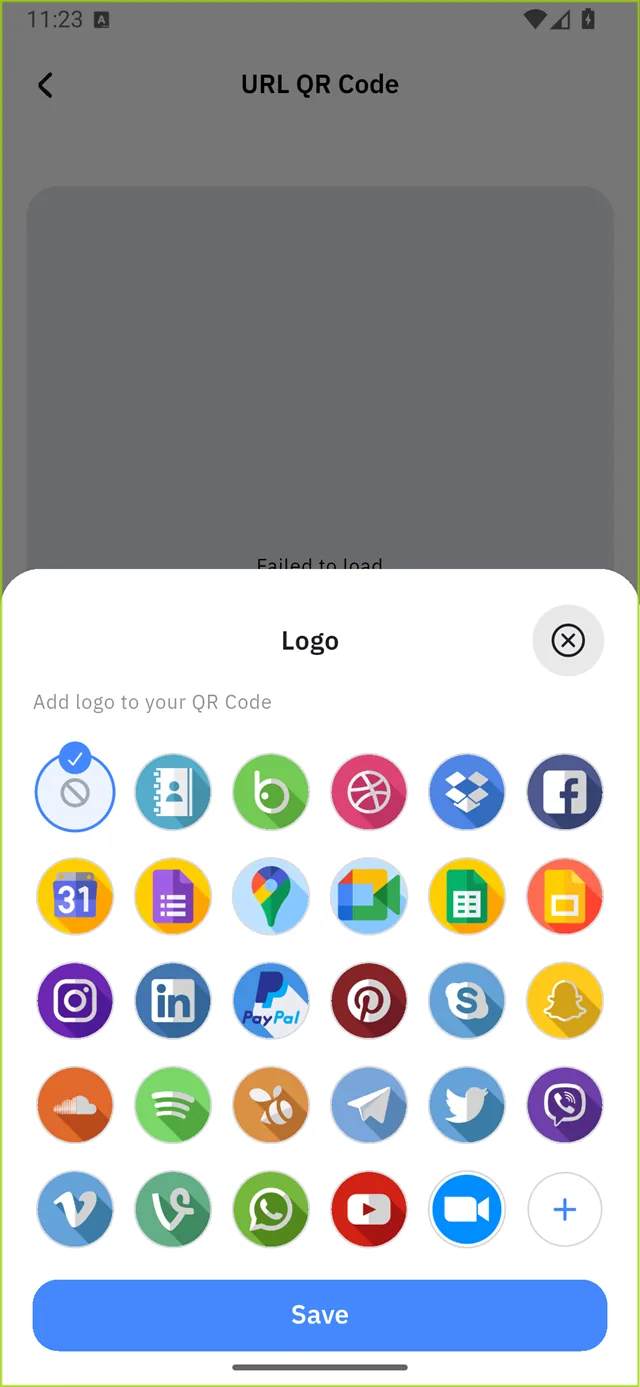
Puts a mark in the middle of the code — the Qshot logo, or your own image.
:::danger Test before you print Heavy colours, low contrast, or a large logo can make a code unscannable. The app blocks Save when it detects that — but a code that just passes on screen can still fail on paper.
Scan the finished code with a different phone before you print anything. :::