Form messages
When a visitor fills in your Lead Form block, what they wrote lands here — not in your email.
The ✉ button under your site, or Messages at the top of Website settings.
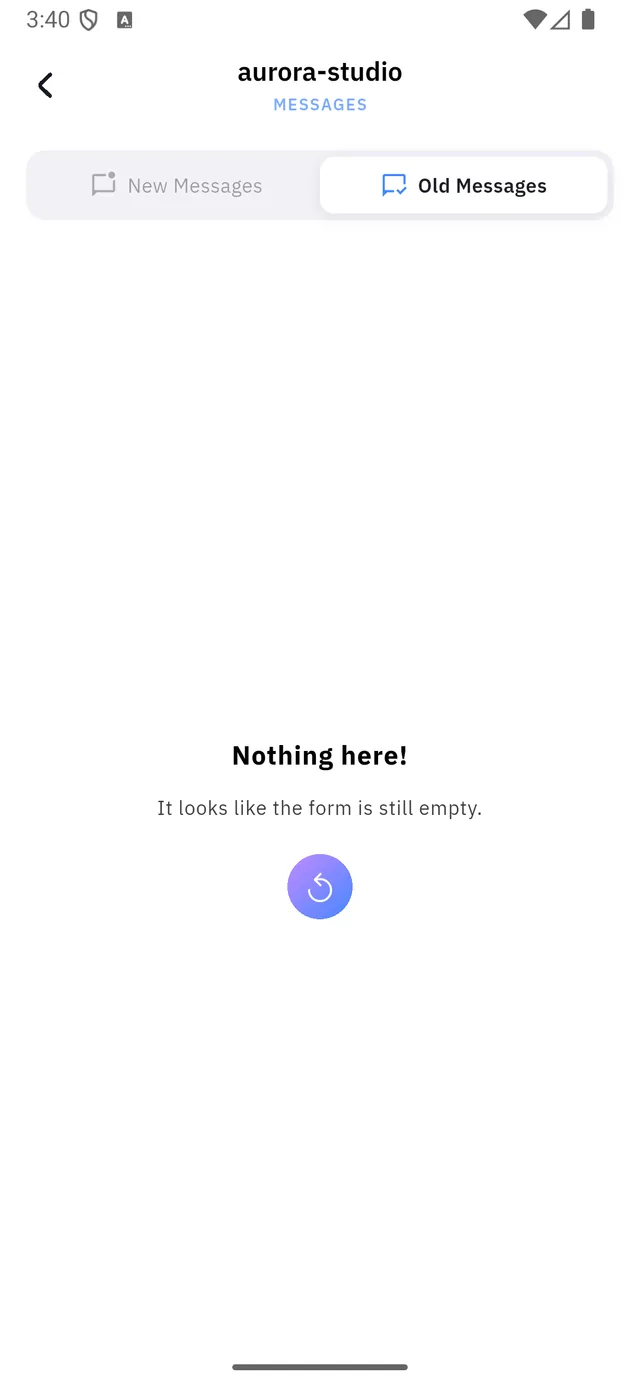
| 1 | New Messages — not yet opened |
| 2 | Old Messages — already read |
| 3 | Refresh — fetches again without leaving the screen |
The message that means "no form"
Nothing here! It looks like the form is still empty.
On a site with no Lead Form block, this is what you will always see, and no amount of refreshing will change it. There is nothing collecting anything.
Add the block first — see Blocks — then come back.
:::warning Nothing here forwards to email Qshot does not send you a copy when someone submits. If you want to know quickly, you have to open this screen; nobody will tell you.
For anything time-sensitive — a booking enquiry, a quote request — check it on a schedule you can actually keep, or use the Booking system, which is built for appointments. :::
One list per site
Each site keeps its own. The site's address is printed at the top of the screen, above the word MESSAGES, so you always know whose form you are reading.