Your address
Every site gets a free something.qshot.com address. You can change what the
something is, and on a paid plan you can put your own domain in front of it.
⋯ → Website URL, from the site card on the home screen.
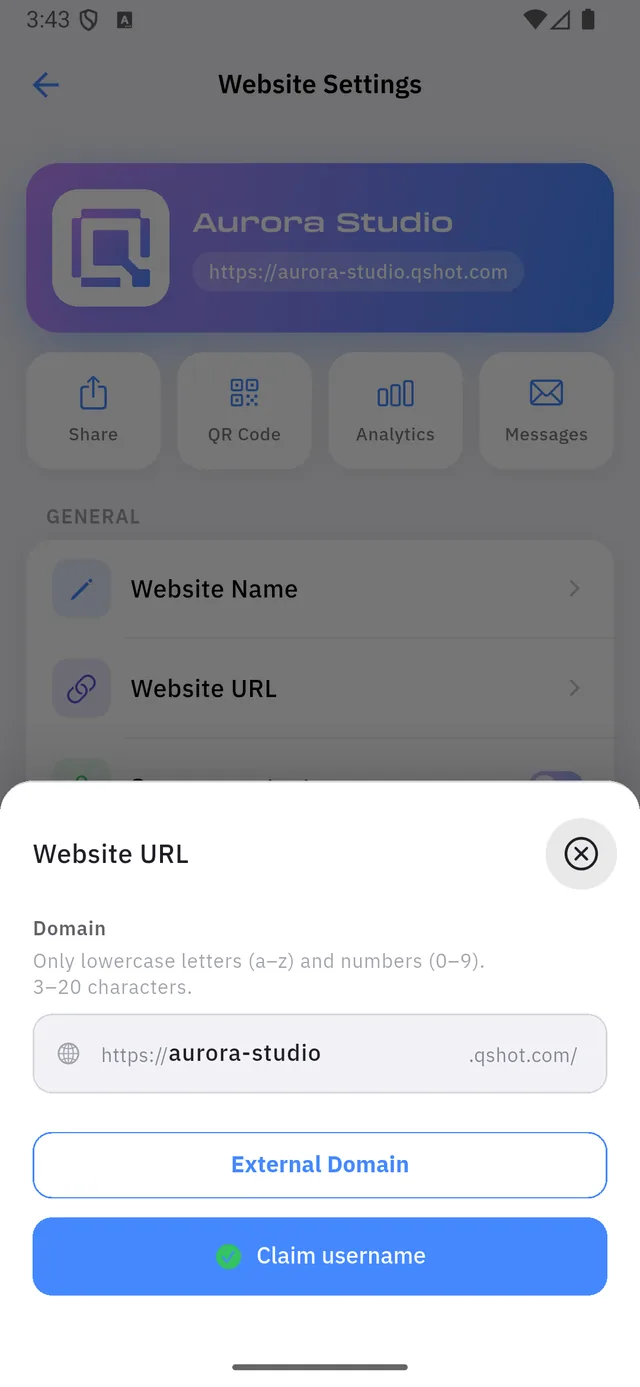
| 1 | The part you own, between https:// and .qshot.com |
| 2 | External Domain — use a domain you bought elsewhere |
| 3 | Claim username — saves the name above |
The rules on the name
The app prints them above the field, and they are strict:
Only lowercase letters (a–z) and numbers (0–9). 3–20 characters.
| ❌ Rejected | ✅ Accepted |
|---|---|
Aurora-Studio | aurorastudio |
aurora studio | aurora2 |
ab (too short) | abc |
Note what is not in the allowed set: no capitals, no spaces, no underscores, no dots.
:::danger Changing the name breaks every printed link The old address stops working the moment the new one is claimed, and it goes back into the pool for someone else to take.
Any card, sign, sticker or QR code carrying the old address is now pointing at nothing. Settle the name before you print anything. :::
Your own domain
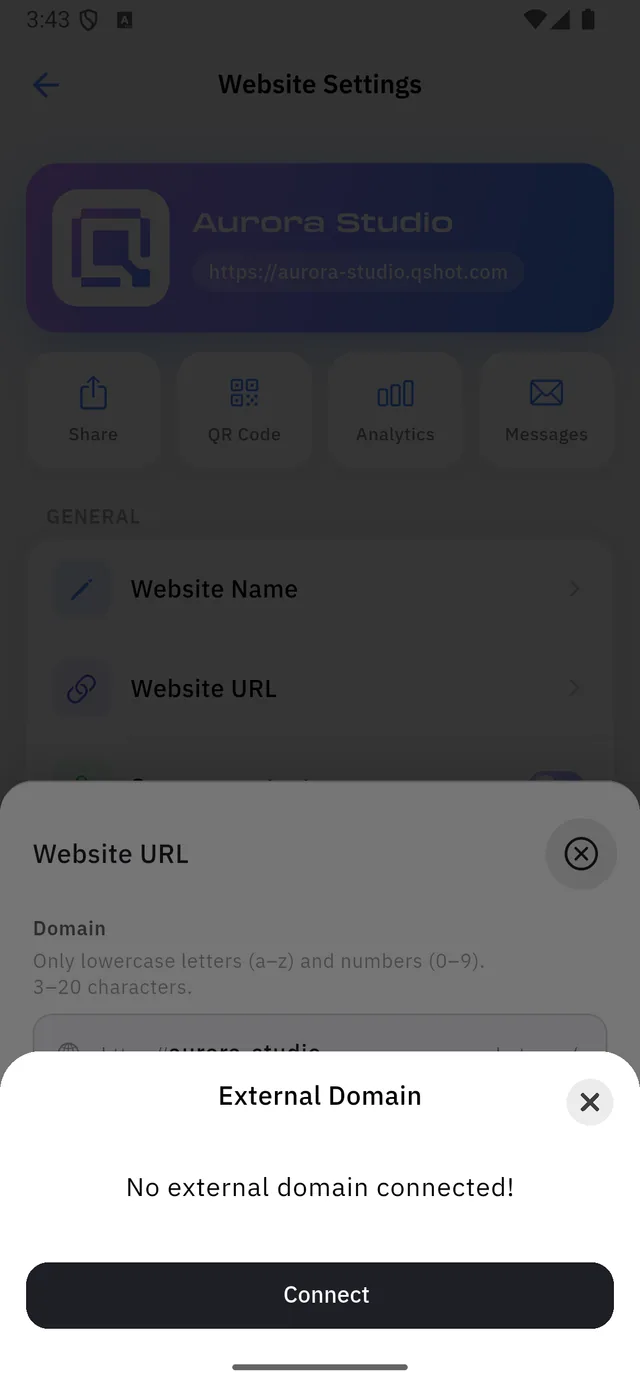
External Domain shows what is connected. On a new site:
No external domain connected!
Connect opens a single field.
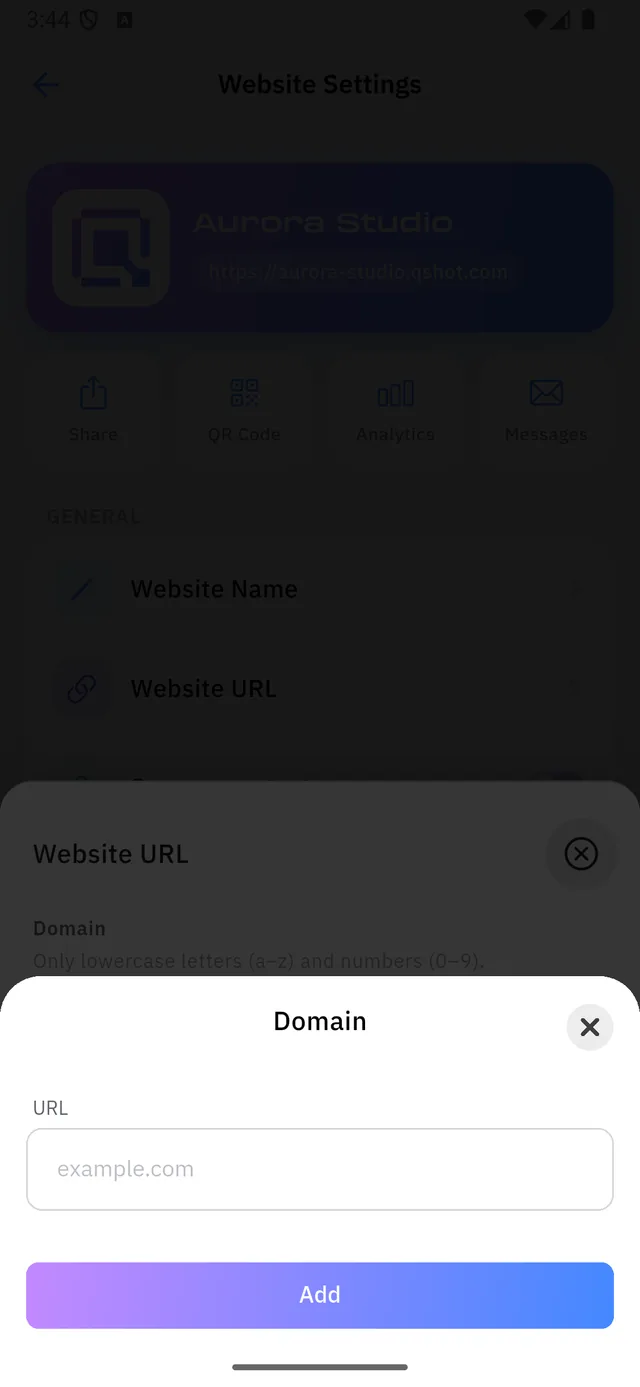
Type the domain without https:// — example.com, the way the hint shows it.
:::note Buying the domain is not part of this Qshot connects a domain you already own; it does not sell you one. You buy it from a registrar, then point it here.
After Add, the domain has to be verified — which happens at your registrar's DNS settings, not in this app. Qshot shows you what to add there. :::
Which address wins
With a custom domain connected, your .qshot.com address keeps working too.
Visitors can arrive by either. The custom one is what you should print.