Analytics
The ◔ button under your site on the home screen, or Analytics at the top of Website settings.
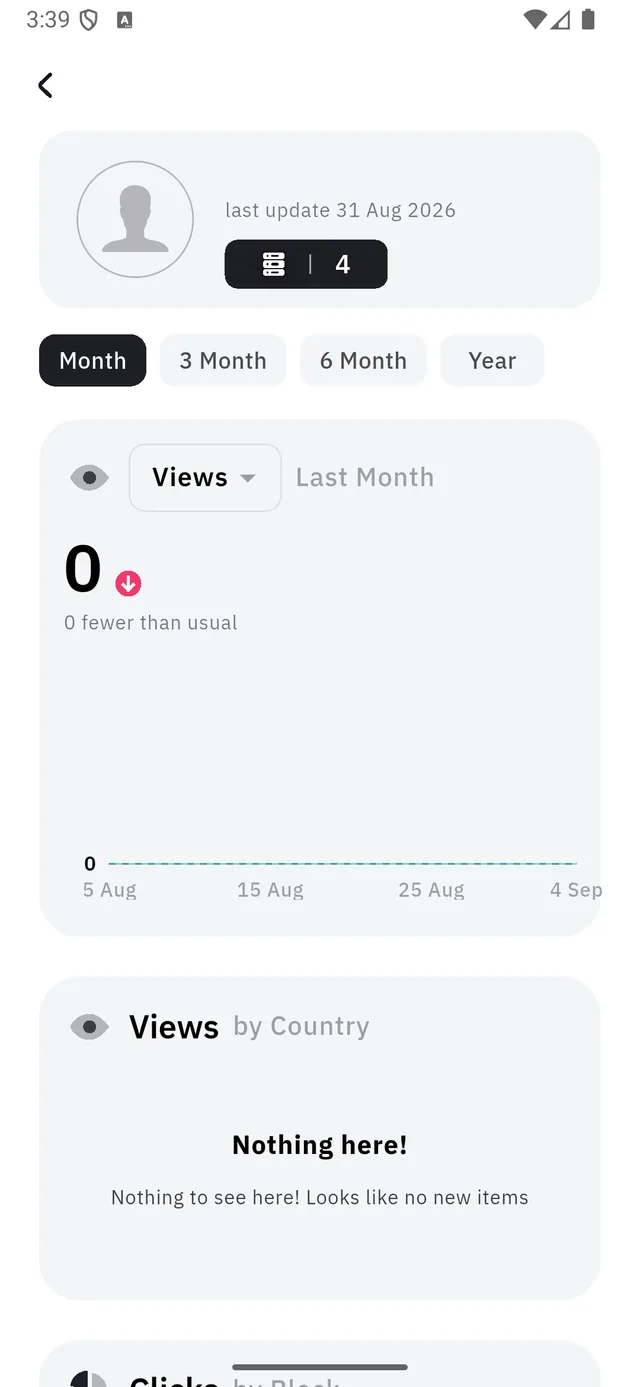
| 1 | When the figures were last recalculated |
| 2 | The range: Month, 3 Month, 6 Month, Year |
| 3 | Which measure the chart is drawing |
Read the date before you read the numbers
That line at the top is the point of this whole page.
The figures are not live. They are recalculated periodically, and the date tells you how fresh the ones on screen are. A visit from an hour ago is very unlikely to be in them yet.
So when you share a link and immediately check the chart, a flat line means "not counted yet", not "nobody came".
The three sections
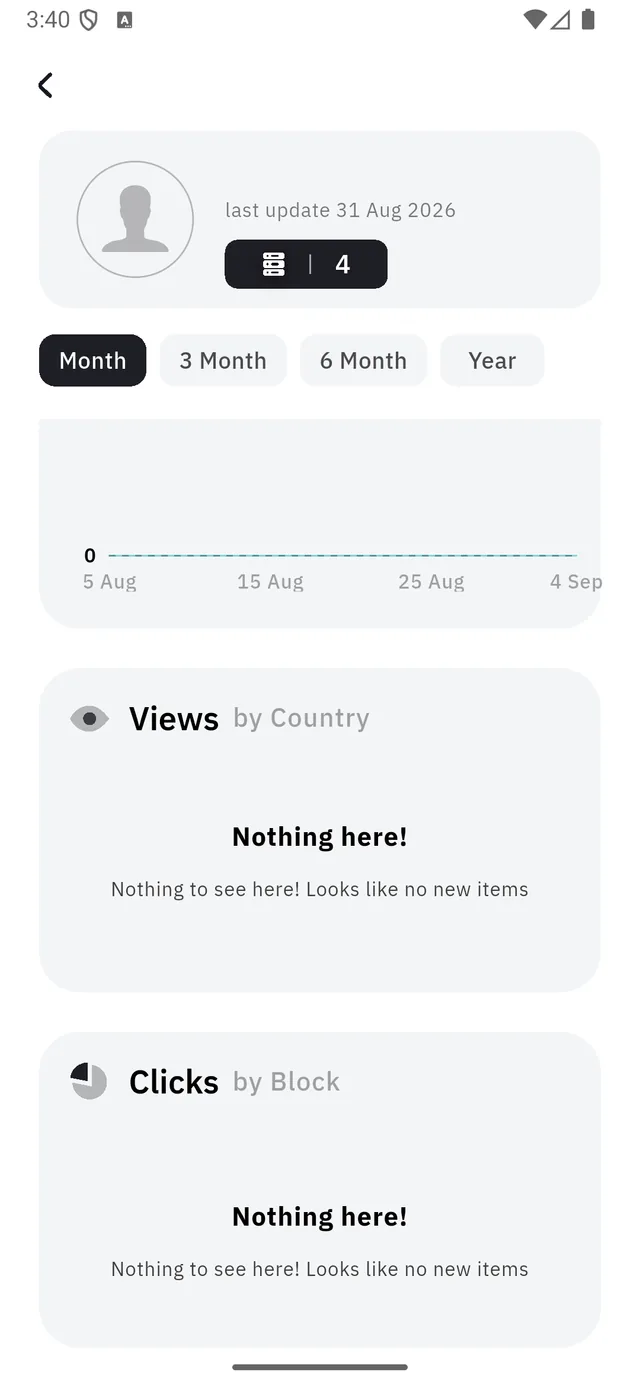
| Section | Answers |
|---|---|
| Views over time | How busy has the site been? |
| Views by Country | Where are they? |
| Clicks by Block | Which block did they actually press? |
Clicks by Block is the one that changes what you build. It tells you which of your buttons and links people use — and therefore which of them are worth moving to the top of the page, and which are just taking up space.
:::note "Nothing here!" is the empty state, not an error A new site shows it in every section. It only fills once real visits have been counted — and, per the date above, counted is not the same as happened. :::
The counter beside your photo
The small badge under the avatar at the top counts the blocks on the site, not the visits. It is there so you can tell at a glance which version of the page the numbers belong to.